X author: @Semih Kışlar

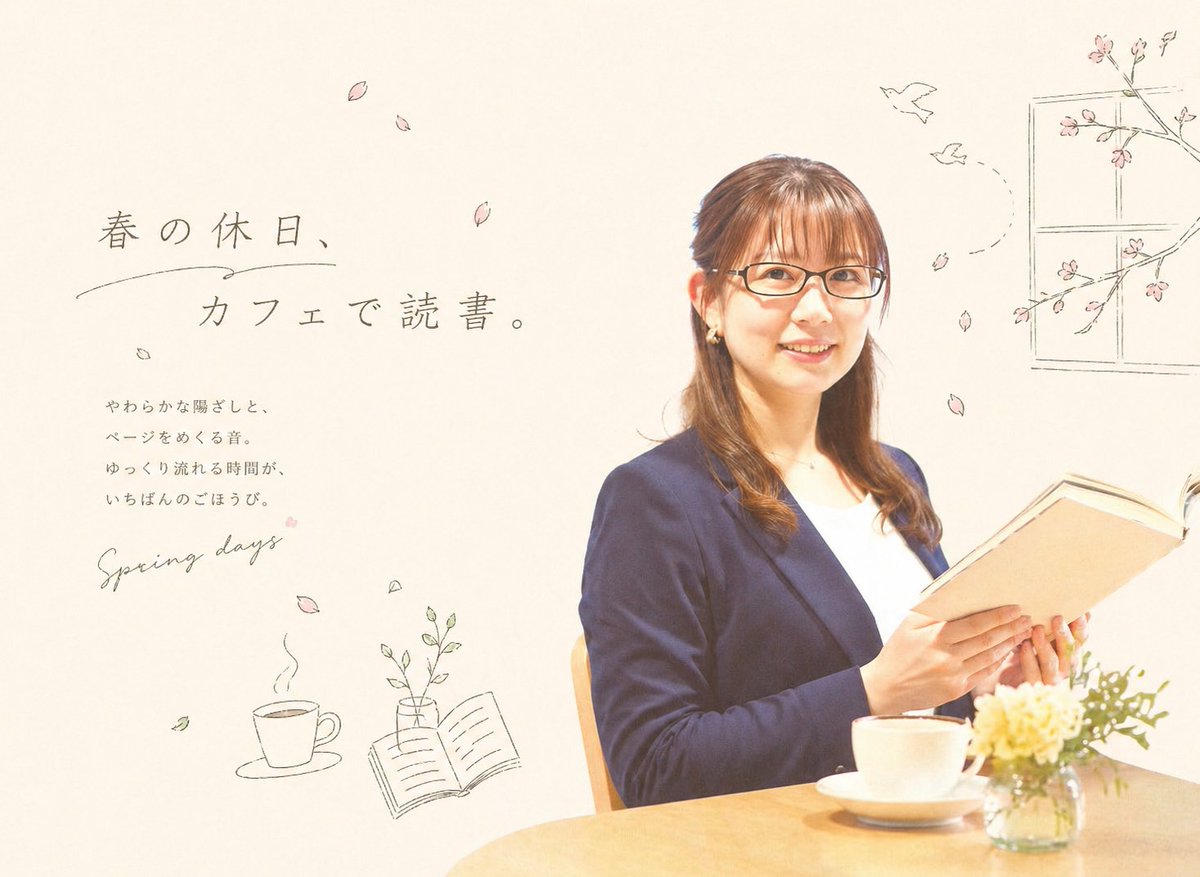
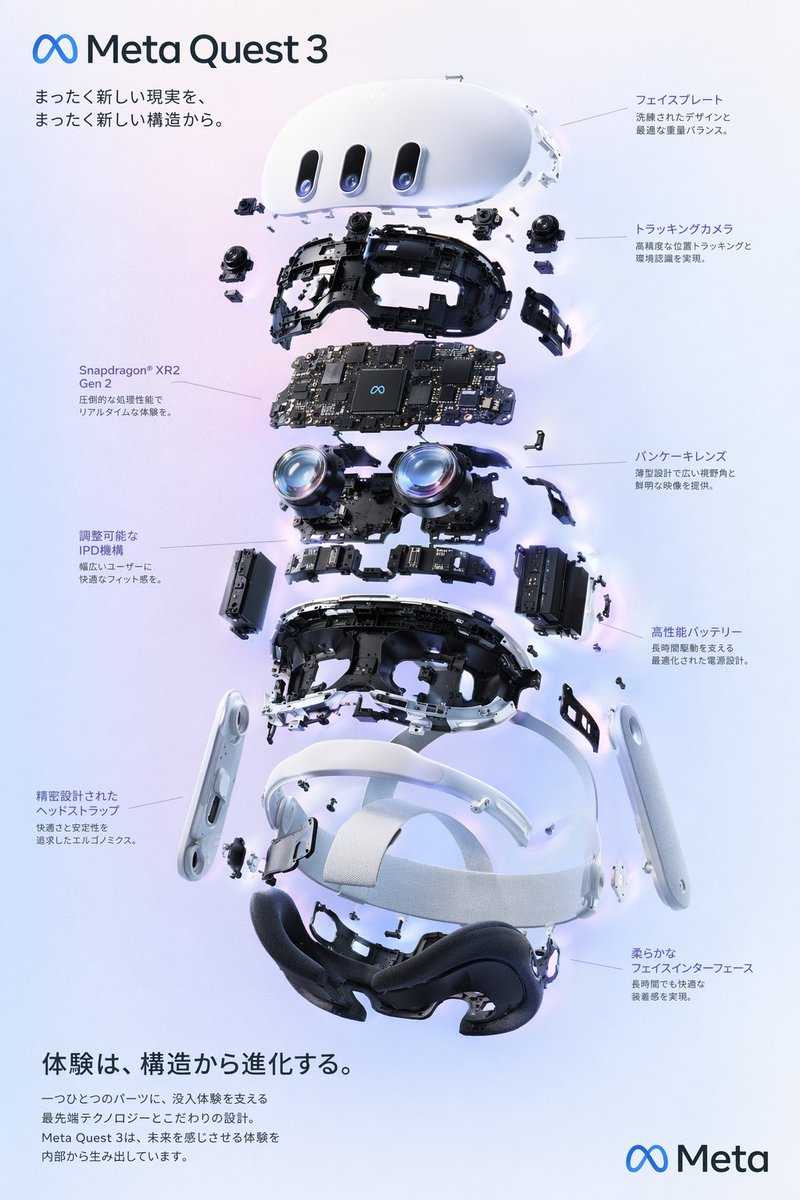
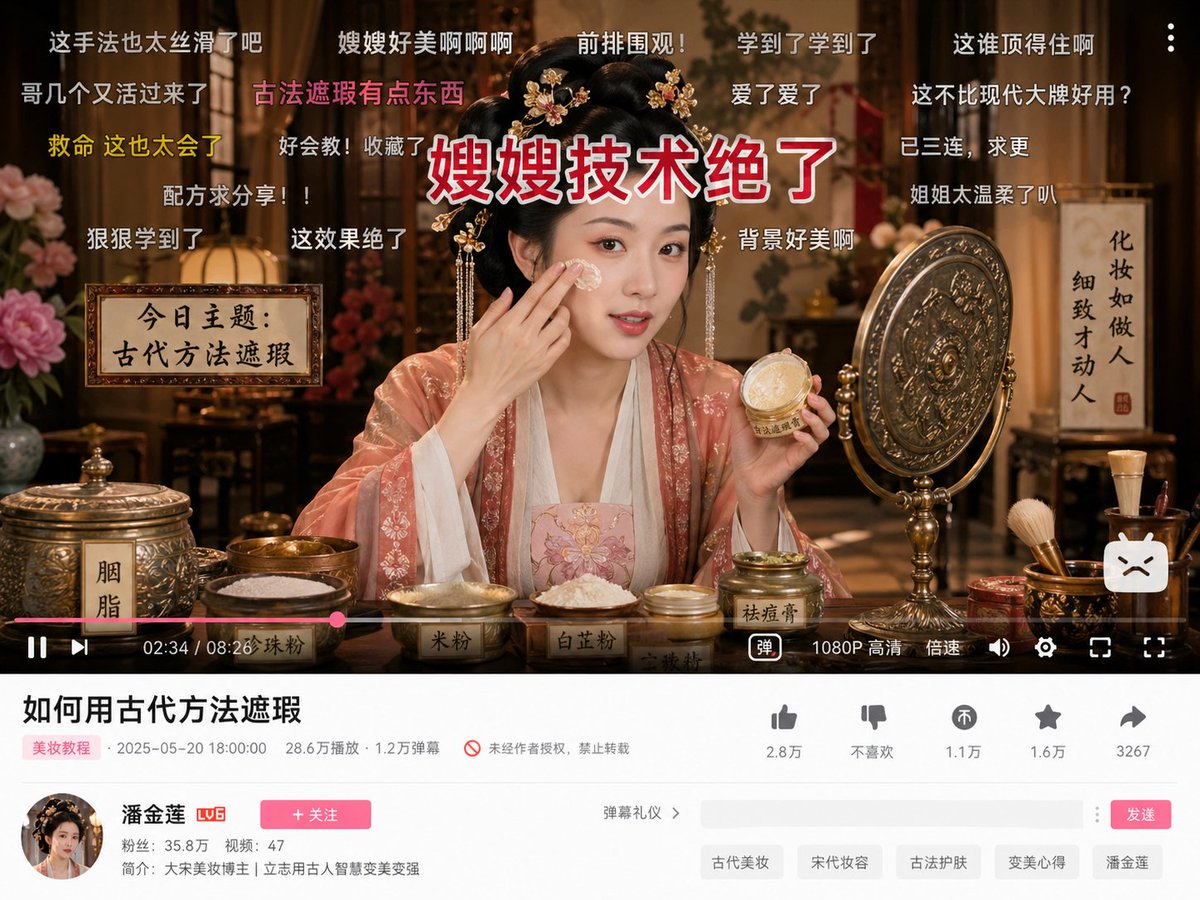
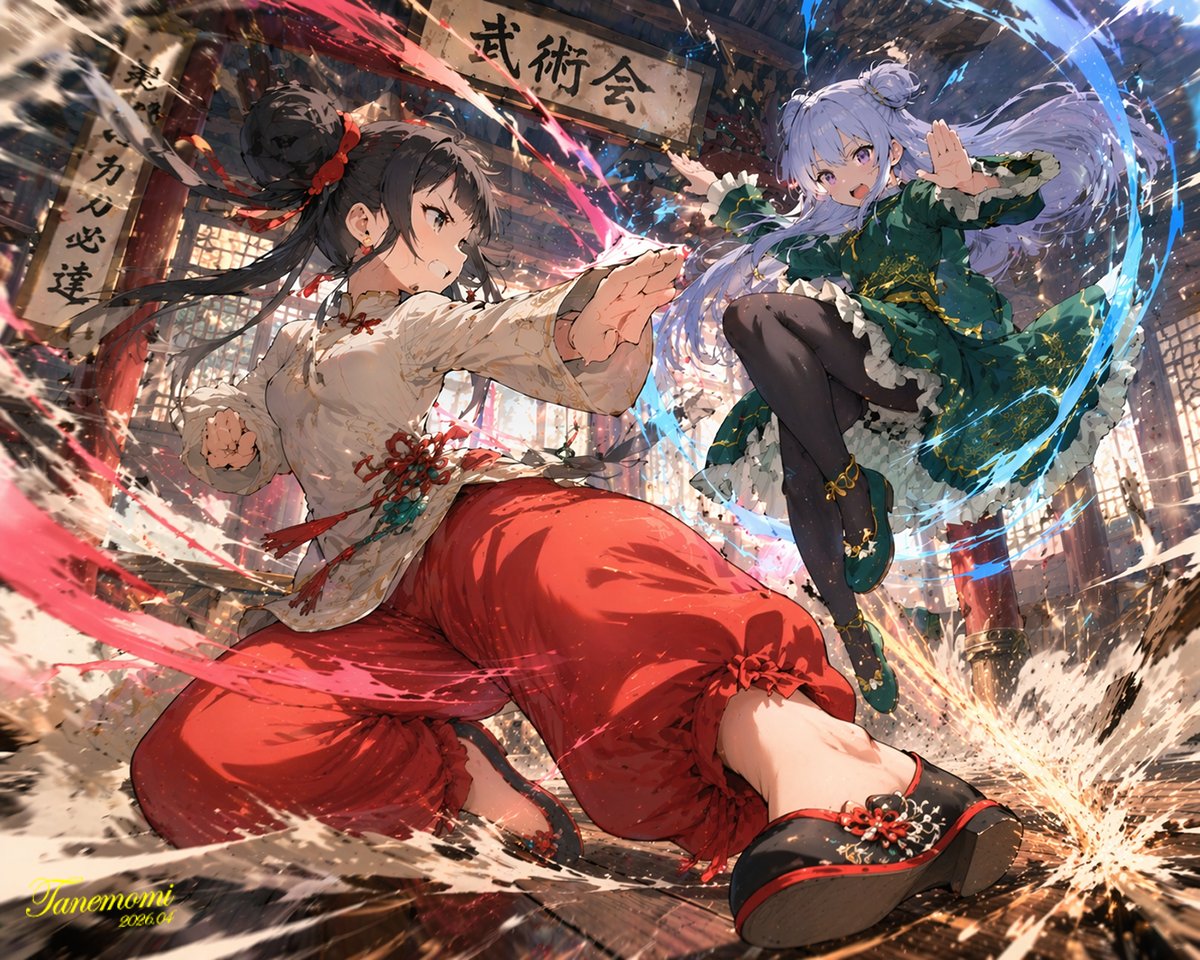
Awesome GPT Image 2 Prompt Collection
Awesome GPT Image 2 Prompts
Explore creator-attributed GPT Image 2 prompt examples across profile portraits, social posts, infographics, YouTube thumbnails, comic storyboards, posters, and app interface ideas. Copy a prompt, credit the original X creator, and adapt the structure for your own visual direction.
Explore Awesome GPT Image 2 Prompts
Each prompt card includes an example image, aspect ratio, creator attribution, copy action, and a direct path into the GPT Image 2 generator.
X author: @Mario Run Chile
X author: @Sweetcheeks (🌲,🌲)
X author: @Olivio Sarikas
X author: @Al-Shamus
X author: @みやび|AI最適ビジネス研究家
X author: @Jahan Zaib
X author: @クラスタ | Claude Codeの始め方
X author: @クラスタ | Claude Codeの始め方
X author: @クラスタ | Claude Codeの始め方
X author: @Hossein Abdollahi
X author: @なお|AIイラスト術師
X author: @wory@ホッピング中
X author: @Allie K. Miller
X author: @Gadgetify
X author: @中崎工房 | AIで1時間の仕事を5分で終わらせる人
X author: @Mr.pinecone
X author: @Mirochill
X author: @Mirochill
X author: @Mirochill
X author: @Mirochill
X author: @たねもみ 2.0 / Tanemomi Ver2.0
X author: @豊田将大/AI漫画クリエイター/webマーケ特化
X author: @豊田将大/AI漫画クリエイター/webマーケ特化
X author: @Shira Wiggles
X author: @Eryk Editor
X author: @Sharon Riley
X author: @Renato Froes
X author: @Banana Prompts
X author: @Banana Prompts
X author: @クラスタ | Claude Codeの始め方
X author: @TheCreativeEngineer📍🚀🔥
X author: @AI Mastery Guide
X author: @テツメモ|AI図解×検証|Newsletter
X author: @Mirochill
X author: @Mr.pinecone
X author: @SSSS.CRYPTOMAN⚡️AI
How to Create Images with Awesome GPT Image 2 Prompts in 3 Steps
Use these creator examples as starting points, then customize the subject, format, scene, and brand details before generating.
1
Pick a visual category
Choose a prompt from profile images, social content, infographics, thumbnails, comics, posters, or app and web design examples.
2
Copy and rewrite details
Keep the useful prompt structure, then replace names, subjects, layout details, language, and style references for your own use case.
3
Generate and compare
Send the edited prompt into GPT Image 2, compare a few outputs, and refine lighting, typography, framing, or image ratio.
Why Use Awesome GPT Image 2 Prompts?
Real creator examples help reveal the phrasing patterns that produce sharper layouts, richer image direction, and more specific visual outputs.
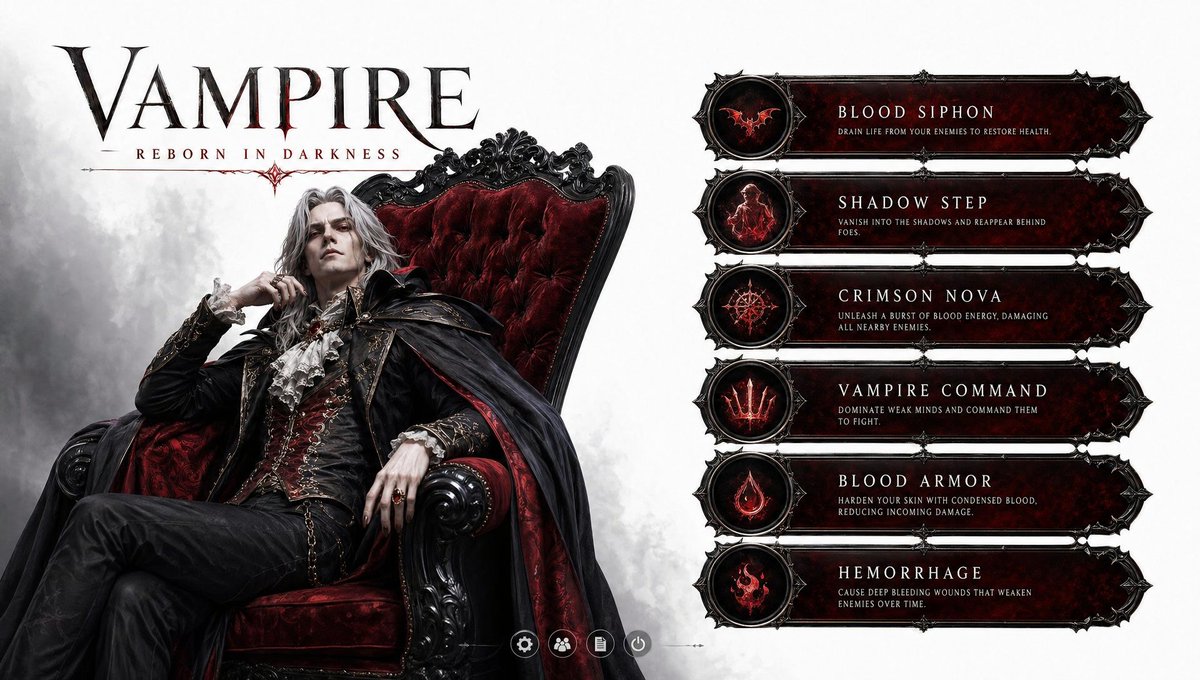
Prompt structure that gets out of your way
Use the cards as practical starting points, then rewrite the parts that should match your brand, campaign, product, or creative direction.
Learn from working examples
The collection is built around public examples with visible image results, so you can see how prompt structure maps to output.
Cover multiple use cases
The seven categories make it easier to jump from portraits to infographics, social posts, thumbnails, comics, posters, and UI concepts.
Keep attribution visible
Cards preserve the original X creator link so the page can credit discovery sources while keeping the prompt workflow practical.
Frequently Asked Questions About Awesome GPT Image 2 Prompts
This starter set is collected from YouMind entries that include public X creator attribution and an original X source link. Items without X links are excluded.