X author: @BubbleBrain
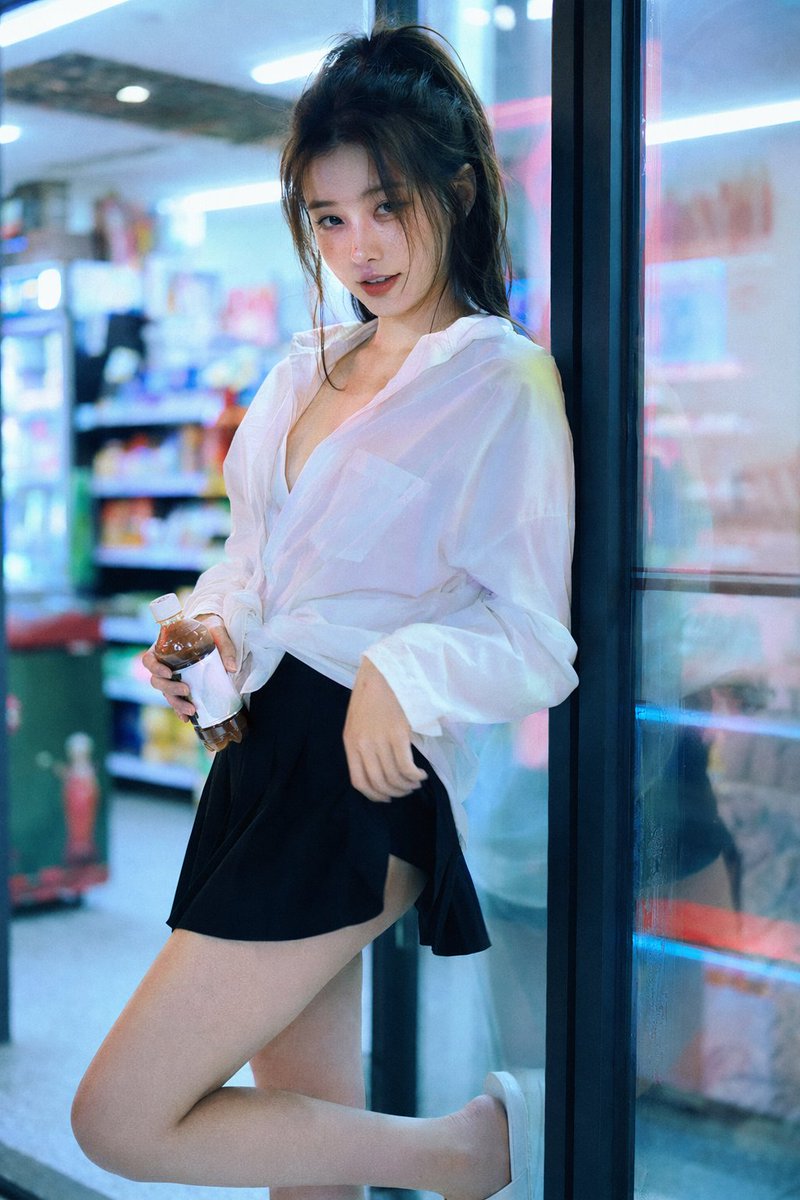
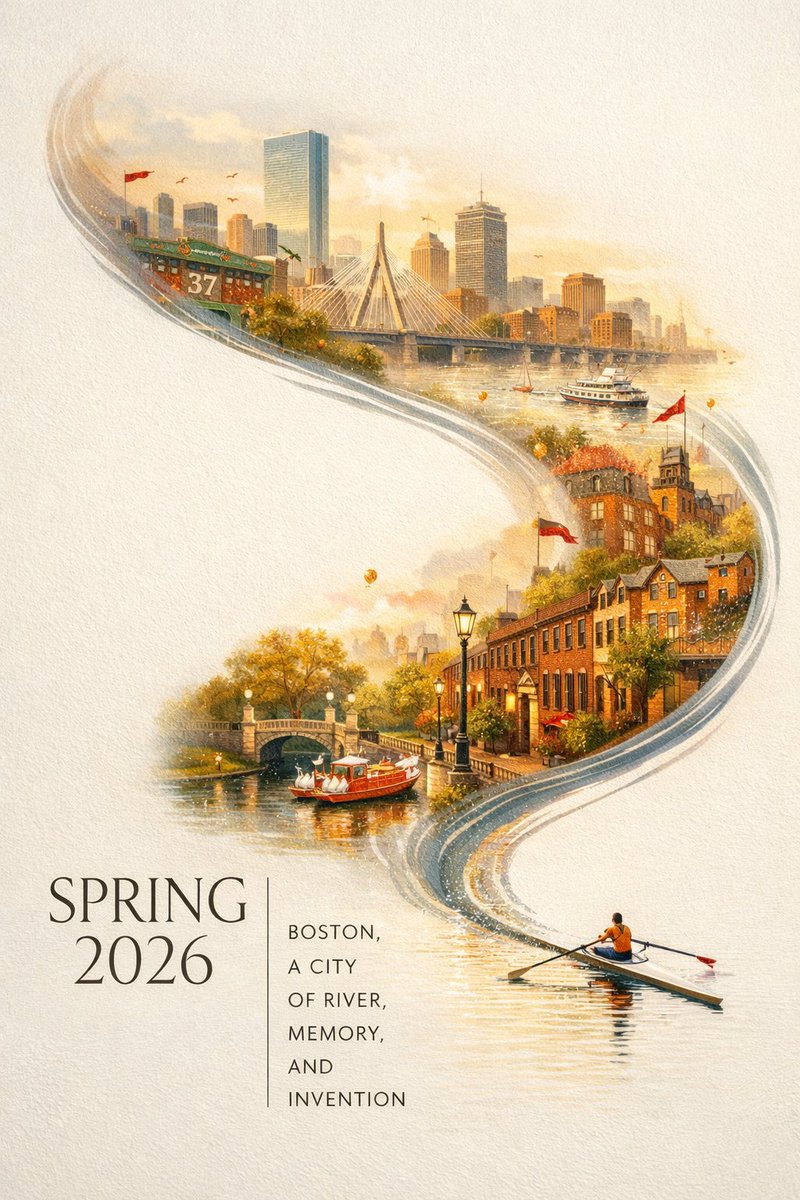
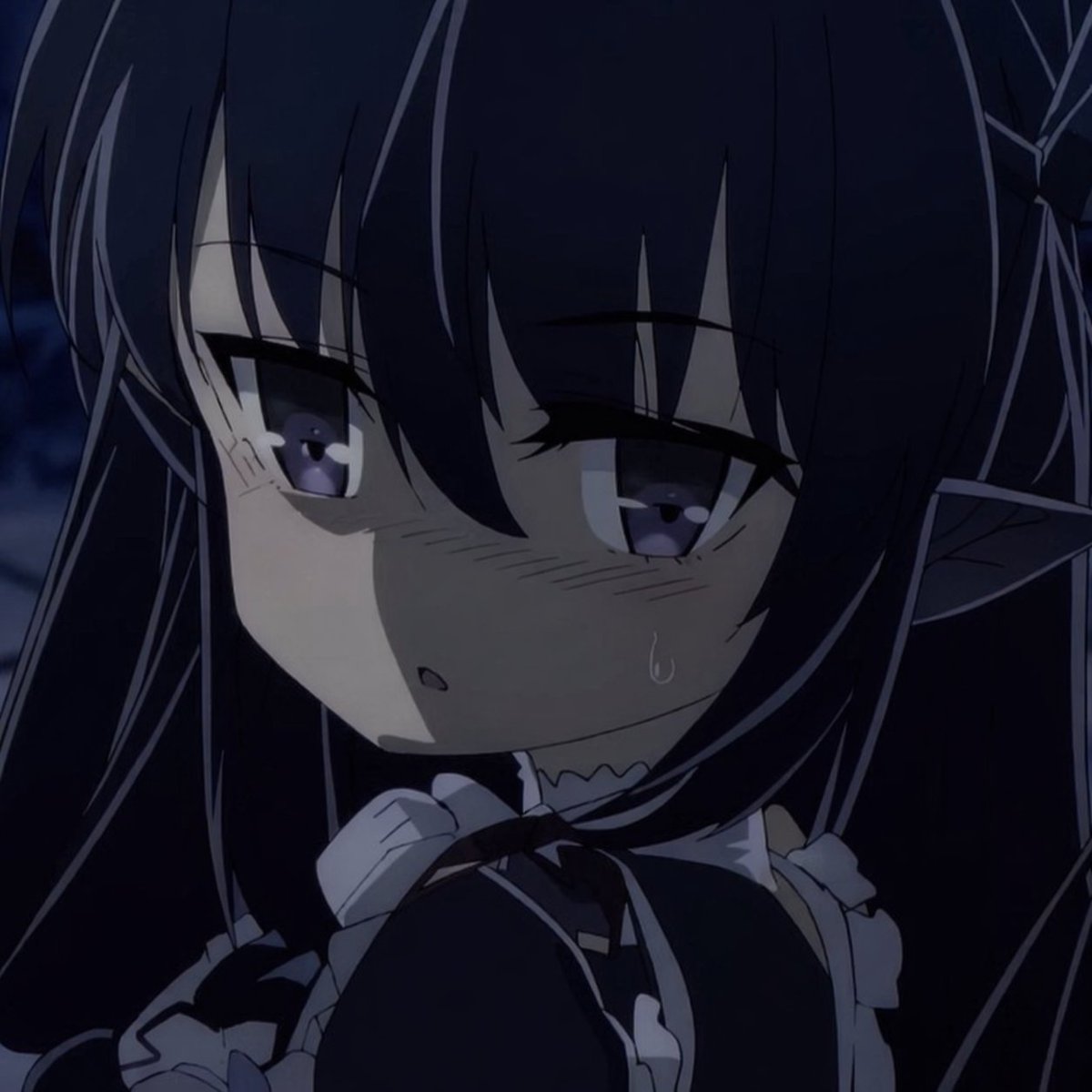
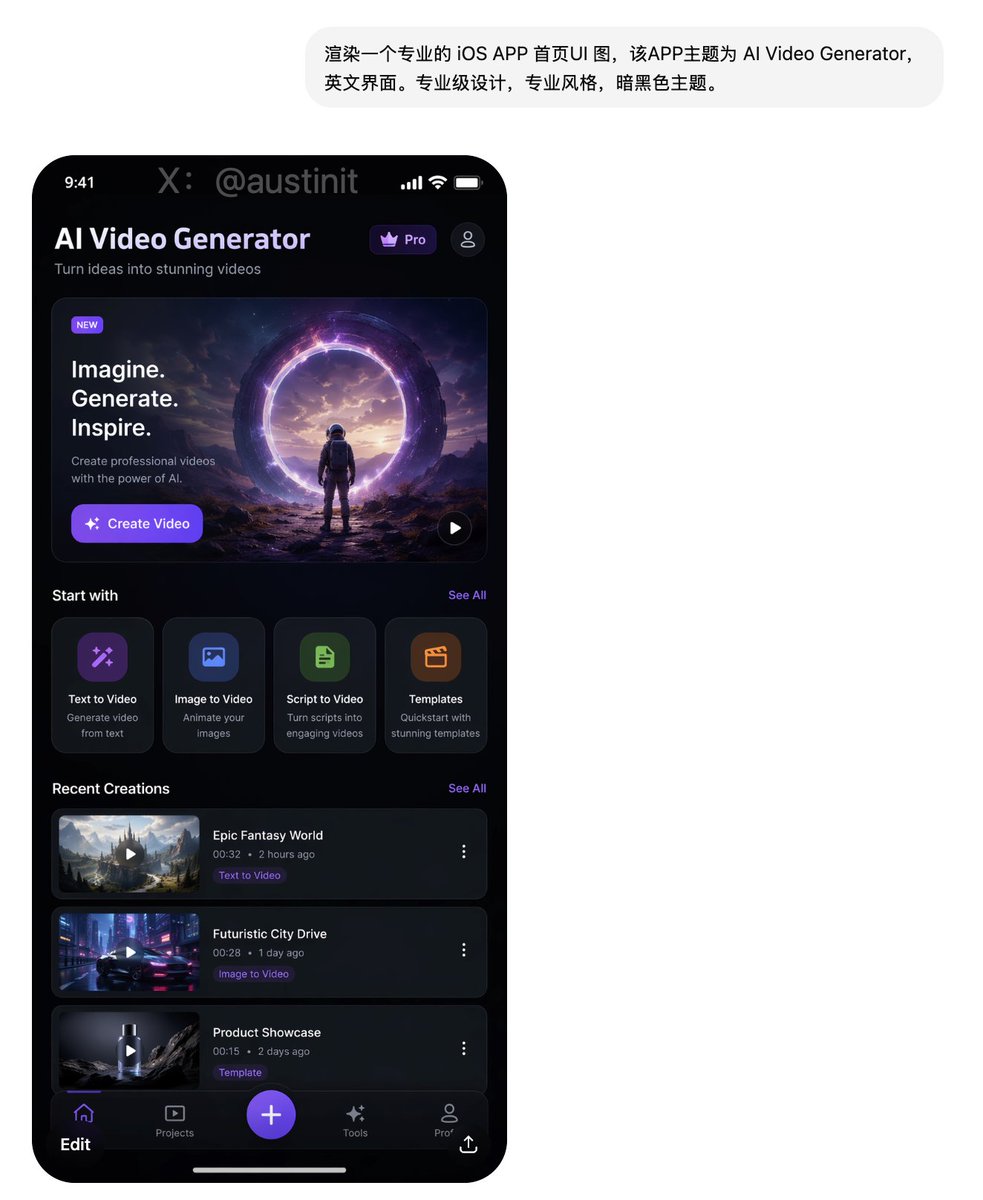
Awesome GPT Image Prompt Collection
Awesome GPT Image Prompts
Explore creator-attributed GPT image prompt examples from the EvoLinkAI GitHub collection, including portraits, posters, character sheets, UI mockups, social media screenshots, and community experiments. Copy a prompt, review the source creator, and adapt the structure for your own image workflow.
Explore Awesome GPT Image Prompts
Each card includes the output image, aspect ratio, original X creator attribution, copy action, and a direct path into the GPT Image generator.
X author: @iam_miharbi
X author: @BubbleBrain
X author: @BubbleBrain
X author: @Shinning1010
X author: @BubbleBrain
X author: @patrickassale
X author: @Zoulinshen
X author: @Malek1173989
X author: @BubbleBrain
X author: @BubbleBrain
X author: @BubbleBrain
X author: @BubbleBrain
X author: @BubbleBrain
X author: @BubbleBrain
X author: @BubbleBrain
X author: @Naiknelofar788
X author: @BubbleBrain
X author: @WolfRiccardo
X author: @Panda20230902
X author: @lilimliliychan
X author: @llllegend0620
X author: @Ghhhh3owi
X author: @alanlovelq
X author: @overseas58
X author: @tebasaki3D
X author: @seiiiiiiiiiiru
X author: @underwoodxie96
X author: @carsonyungos
X author: @Thereallo1026
X author: @iamrednightS
X author: @Toshi_nyaruo_AI
X author: @old_pgmrs_will
X author: @songguoxiansen
X author: @loglogrog
X author: @Tanemomi_Ver2
X author: @yume00112211
X author: @patrickassale
X author: @patrickassale
X author: @Panda20230902
X author: @alanblogsooo
X author: @SKA_Neotype
X author: @stark_nico99
X author: @agi_aibusi
X author: @loglogrog
X author: @the_wheel_2024
X author: @Shinning1010
X author: @kylegeeks
X author: @alanlovelq
X author: @ailovedirector
X author: @chetaslua
X author: @MANISH1027512
X author: @RitaStar1128
X author: @FixlationAI
X author: @JustinGorya
X author: @ReYYYYoking
X author: @XiaohuiAI666
X author: @workingclassbud
X author: @16kthir0GRXgNqn
X author: @chatcutapp
X author: @Rufus87078959
X author: @elliscrosby
X author: @Rufus87078959
X author: @WillSpagnoli
How to Create Images with Awesome GPT Image Prompts in 3 Steps
Use these open GitHub examples as practical prompt patterns, then customize the subject, layout, language, aspect ratio, and brand details before generating.
1
Choose a prompt category
Start from portraits, poster and illustration cases, character design, UI mockups, or comparison and community examples.
2
Copy and adapt the structure
Keep the useful composition, lighting, style, and text-direction cues, then replace the subject, product, scene, or output requirements.
3
Generate and refine
Send the edited prompt into GPT Image 2, compare outputs, and refine typography, framing, detail level, or aspect ratio.
Why Use Awesome GPT Image Prompts?
Public creator examples show how real prompt structures translate into finished image outputs across multiple visual formats.
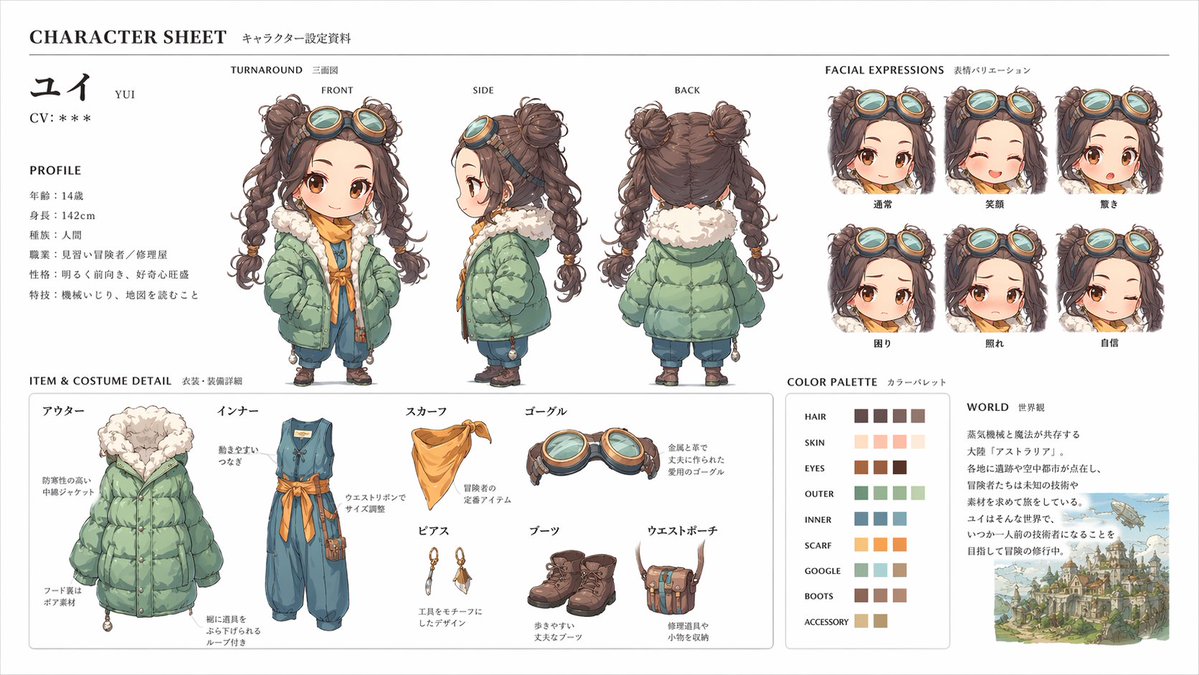
Prompt structure that gets out of your way
Use the cards as practical starting points, then rewrite the parts that should match your brand, campaign, product, or creative direction.
Start from proven cases
The page uses prompt and image pairs from an open GitHub collection, so each example has visible output context.
Cover broad visual workflows
The five categories span realistic photography, poster layouts, character references, UI screens, and experimental prompt tests.
Keep source attribution clear
Cards preserve original X links and author handles so the prompt gallery can remain useful while crediting public creators.
Frequently Asked Questions About Awesome GPT Image Prompts
This starter set is parsed from the EvoLinkAI awesome-gpt-image-2-prompts GitHub README and keeps the original X source links and author attribution.