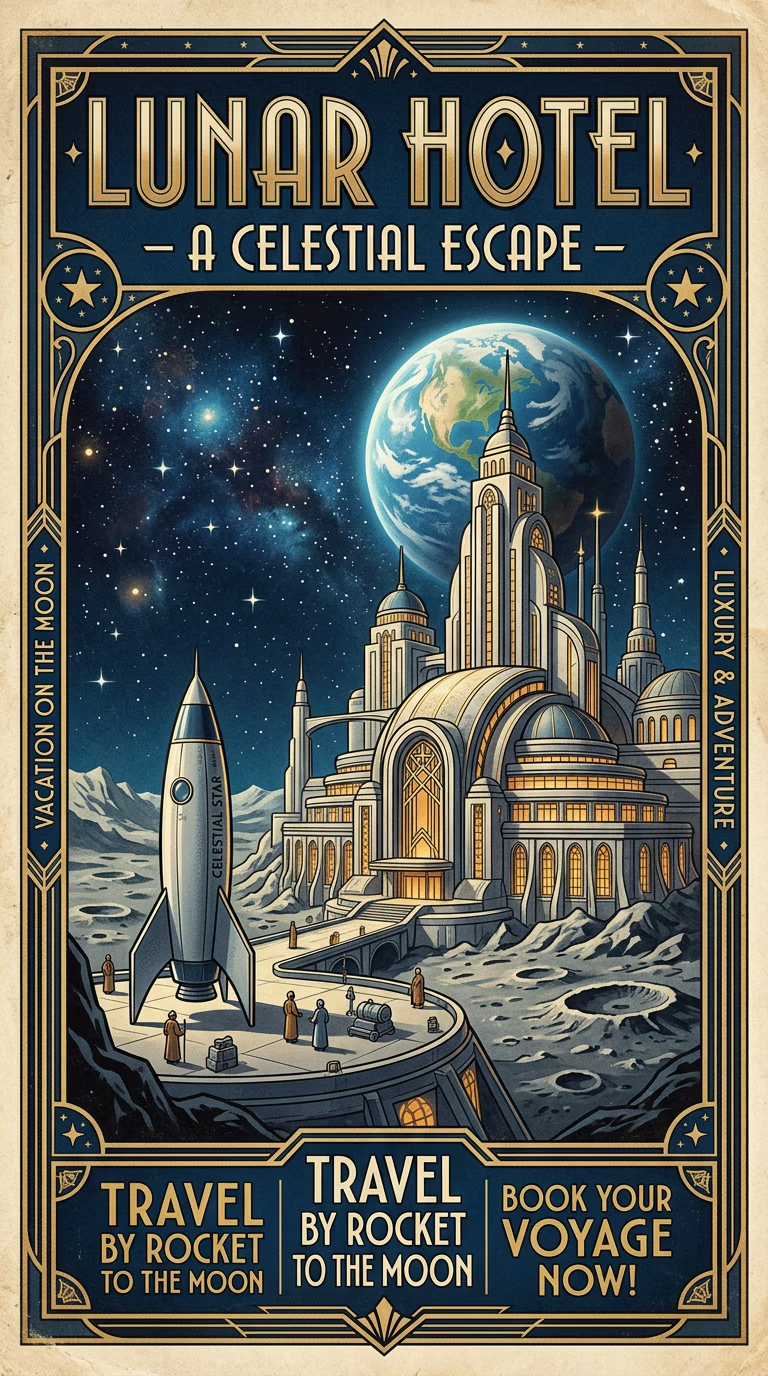
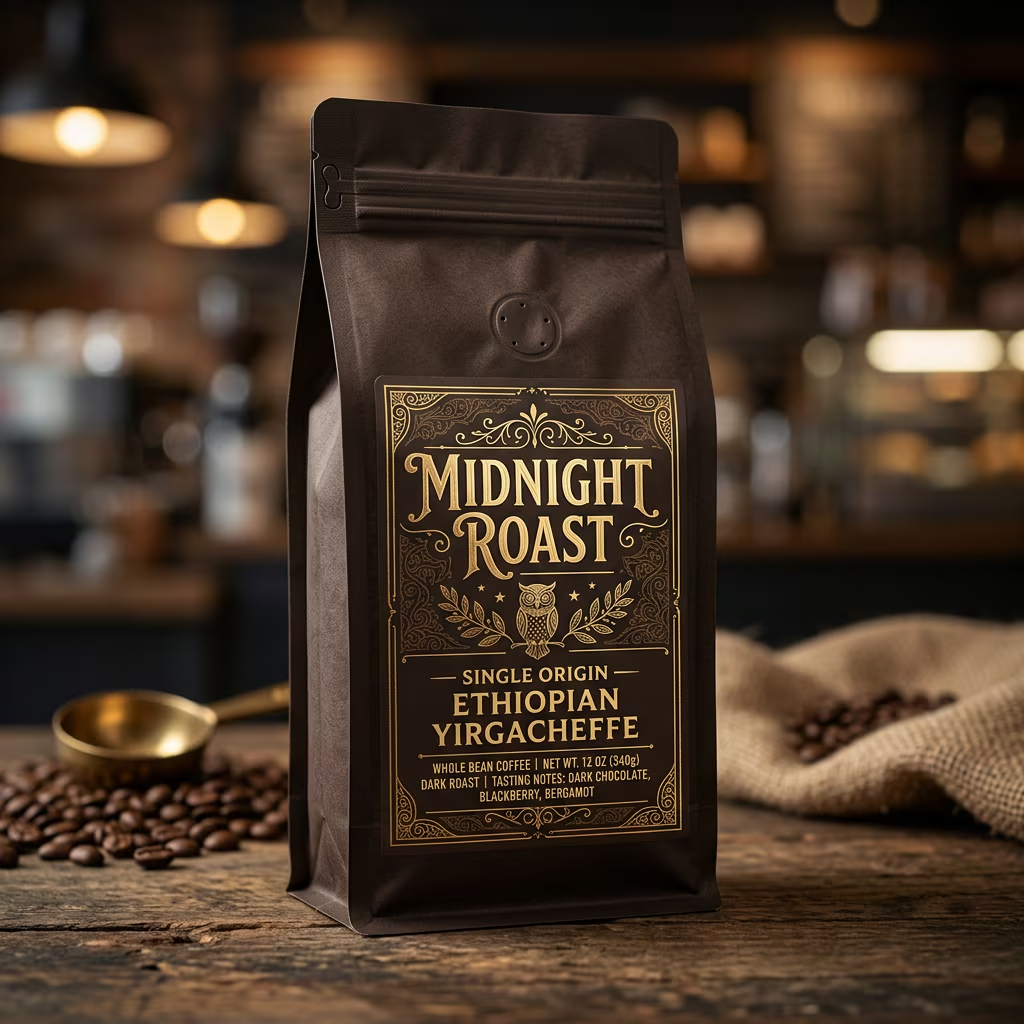
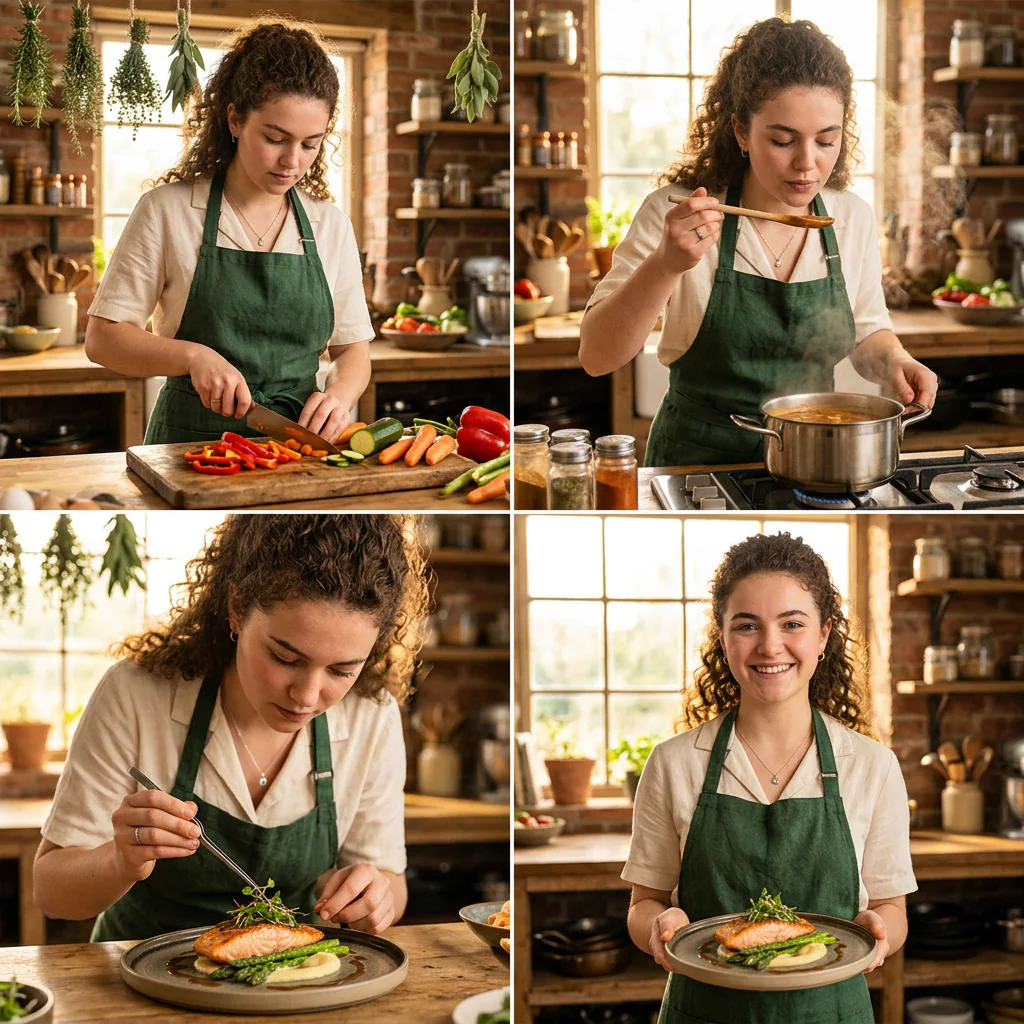
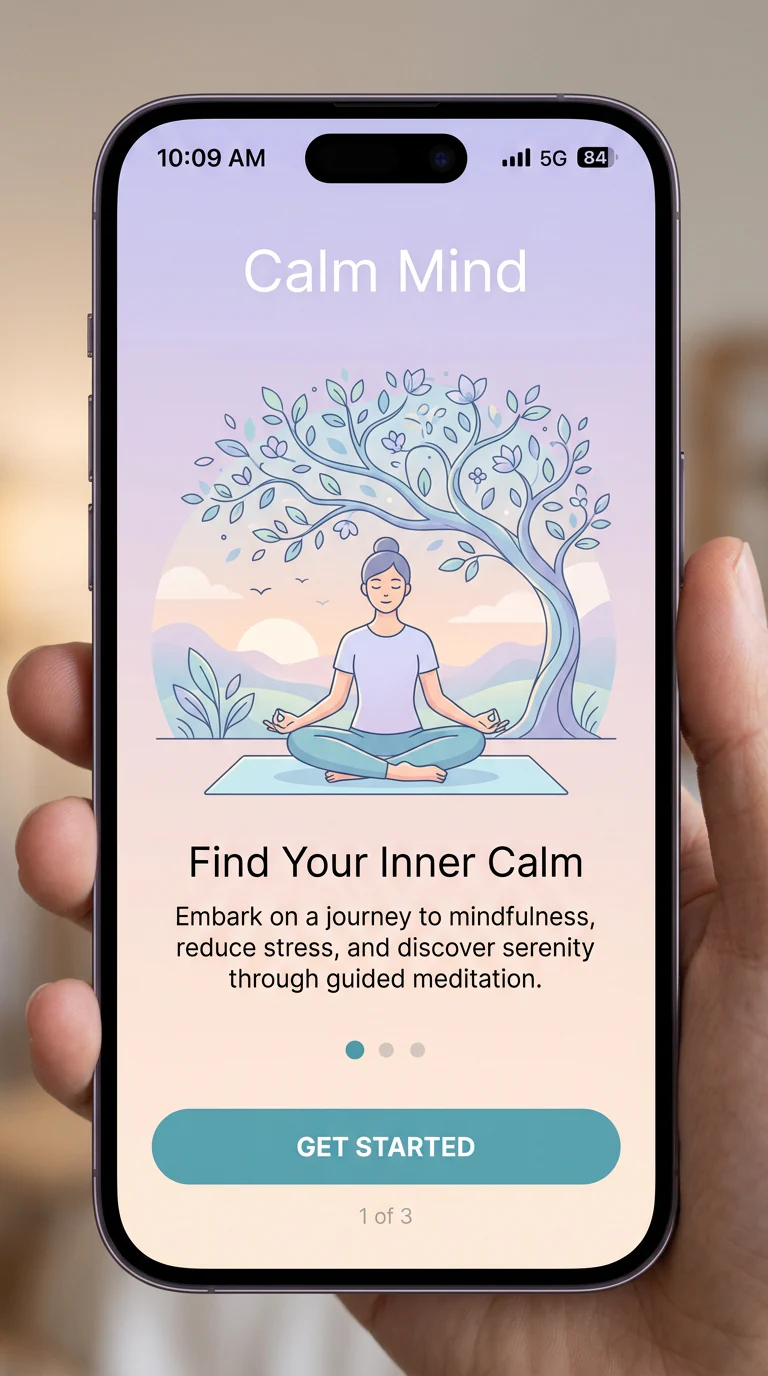
GPT Image 2 Prompts for Posters, Products, Characters, and UI
Copy structured GPT Image 2 prompts for poster design, product ads, character consistency, image editing, UI mockups, and fantasy concept art. Pick a prompt, adjust the subject or style, then generate directly in GPT Image 2.
Explore GPT Image 2 Prompts
Browse copy-ready prompts with example images. Each card keeps the preview compact, then opens a full prompt view when you need the complete wording.
How to Create Images with GPT Image 2 Prompts in 3 Steps
Start from a prompt card, tune the details for your use case, and send it into the GPT Image 2 generator without rebuilding the prompt from scratch.
Choose a prompt style
Pick the card that matches your goal, such as a product ad, poster, character grid, UI screen, or image-editing workflow.
Copy and customize details
Change brand names, subjects, colors, setting, aspect ratio, or camera style while keeping the structure that makes the prompt specific.
Generate and refine
Open the prompt in GPT Image 2, generate a first result, then refine with small edits for composition, typography, lighting, or consistency.
Why Use GPT Image 2 Prompts?
A good prompt gives the model a clear visual contract: subject, format, style, lighting, text, and output ratio are all spelled out before generation.
Prompt structure that gets out of your way
Use the cards as practical starting points, then rewrite the parts that should match your brand, campaign, product, or creative direction.
Faster first drafts
Skip the blank prompt box and start from complete examples built around real image-generation use cases.
Better visual direction
Each prompt includes concrete cues for layout, mood, typography, materials, camera style, or consistency.
Reusable page templates
The same structure works for future prompt topics, so new collections can share the hero, card, how-to, why-use, and FAQ layout.