Before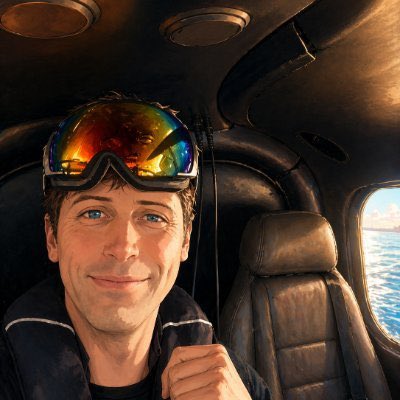
After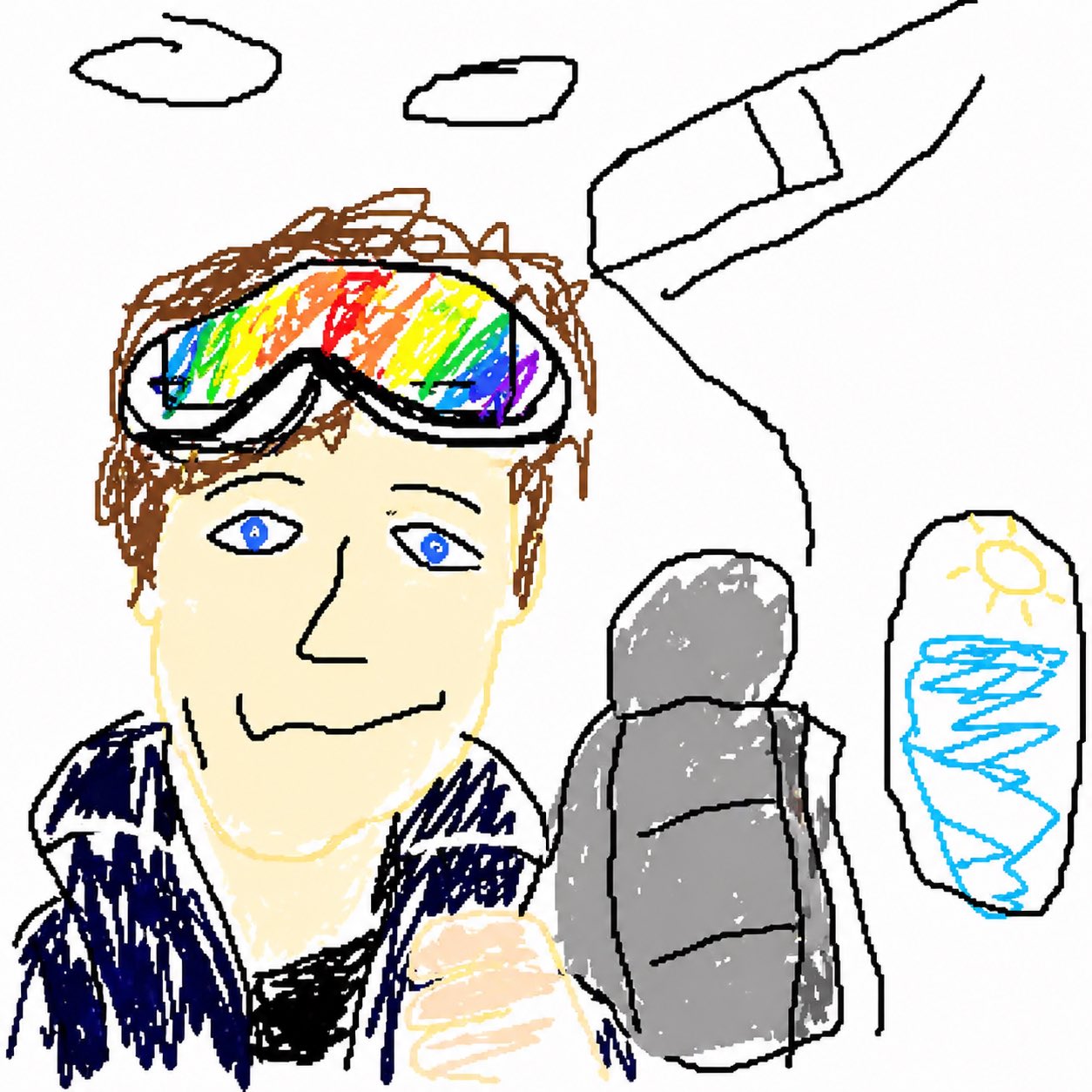
Upload an image and redraw it as a clumsy mouse-made doodle with shaky lines, simple colors, and the deliberately awkward MS Paint with a mouse look that made the GPT Image 2 prompt trend.
Upload reference images to guide the result.
Estimated cost: 6 credits
For creative and entertainment use only
The generator above uses this single image-to-image prompt by default. It is intentionally excessive: the goal is not a clean cartoon, but a recognizable picture that looks awkward, pixel-ish, and drawn with a mouse.
Start With This PromptViral MS Paint-style prompt
Redraw the attached image in the most clumsy, scribbly, and utterly pathetic way possible. Use a white background, and make it look like it was drawn in MS Paint with a mouse. It should be vaguely similar but also not really, kind of matching but also off in a confusing, awkward way, with that low-quality pixel-by-pixel feel that really emphasizes how ridiculously bad it is. Actually, you know what, whatever, just draw it however you want.
Source context: the prompt was popularized in an X post by CHOI (@arrakis_ai) and later covered by tech media as part of a GPT Image 2 doodle trend.
The best results keep the subject readable while making every line feel a little wrong: off-center features, plain fills, jittery outlines, and no polished illustration finish.
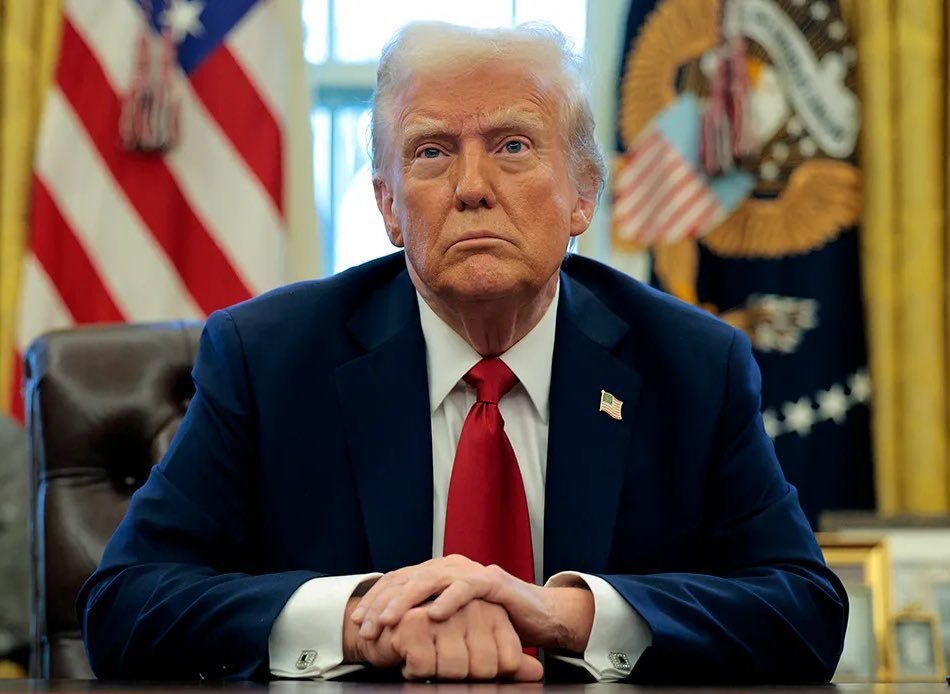
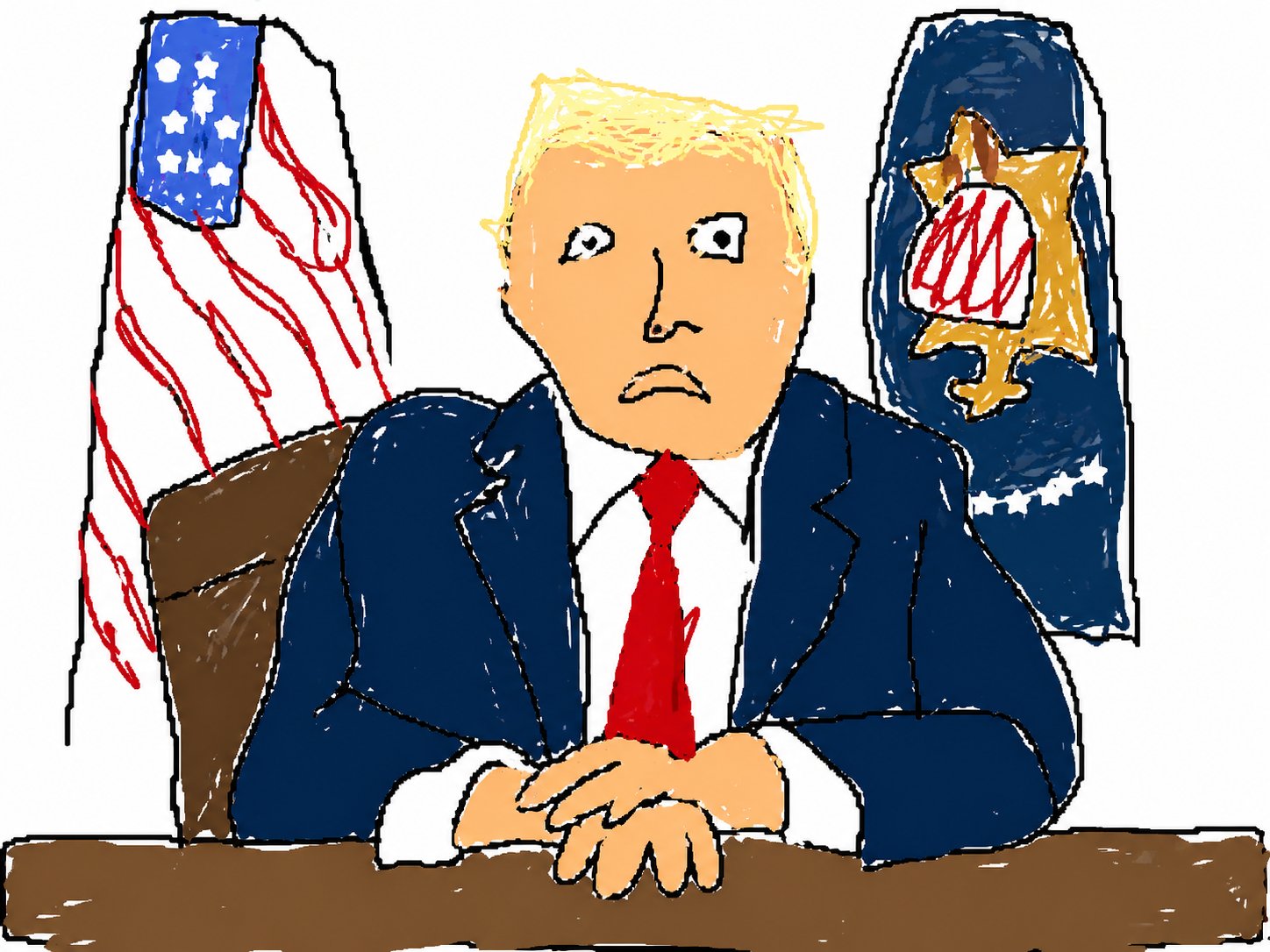
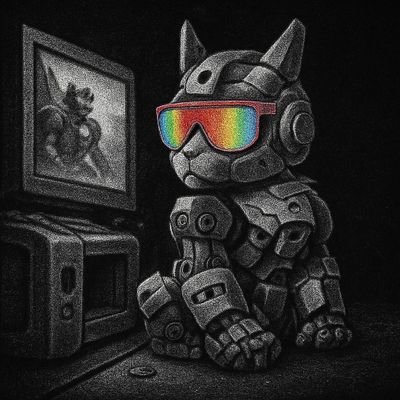
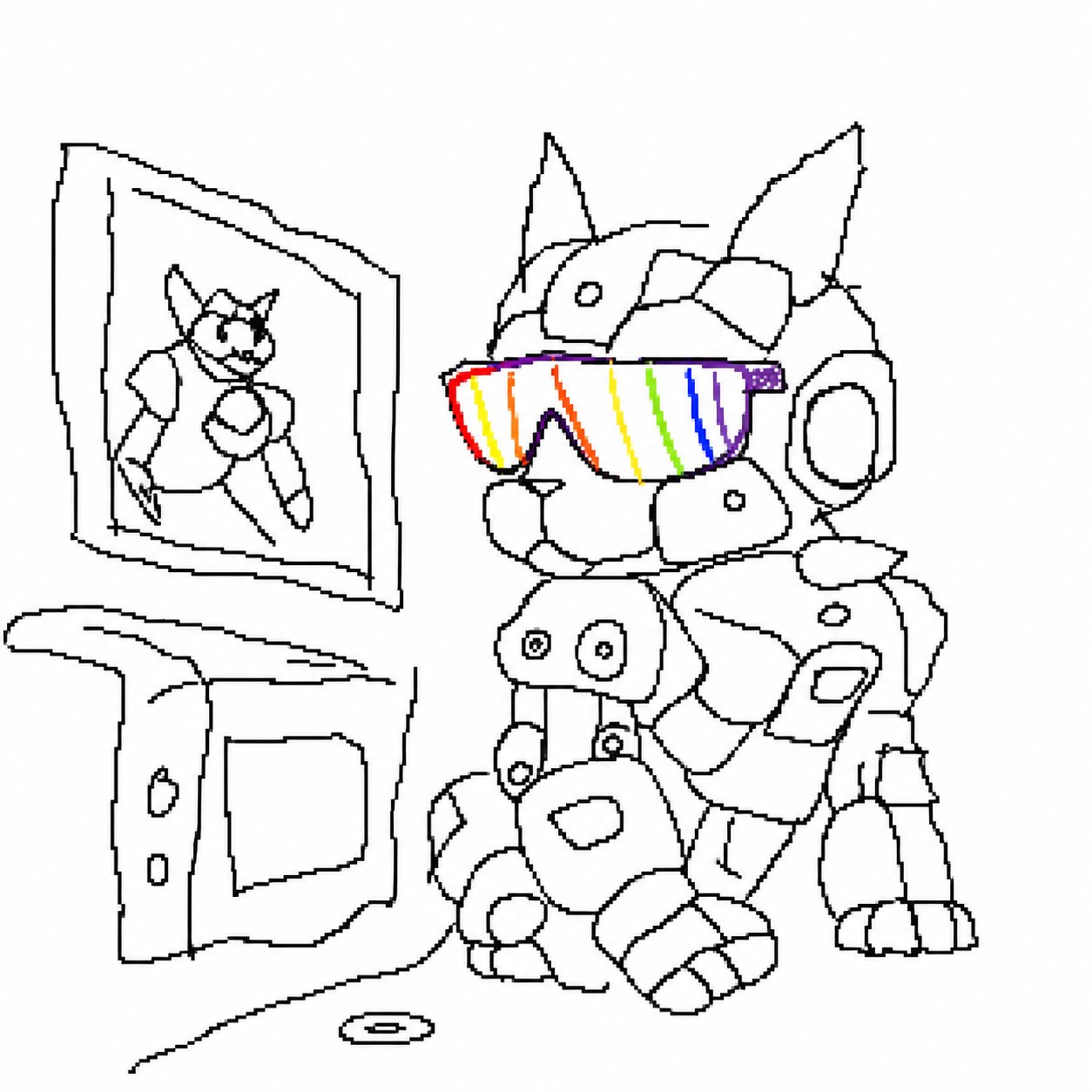
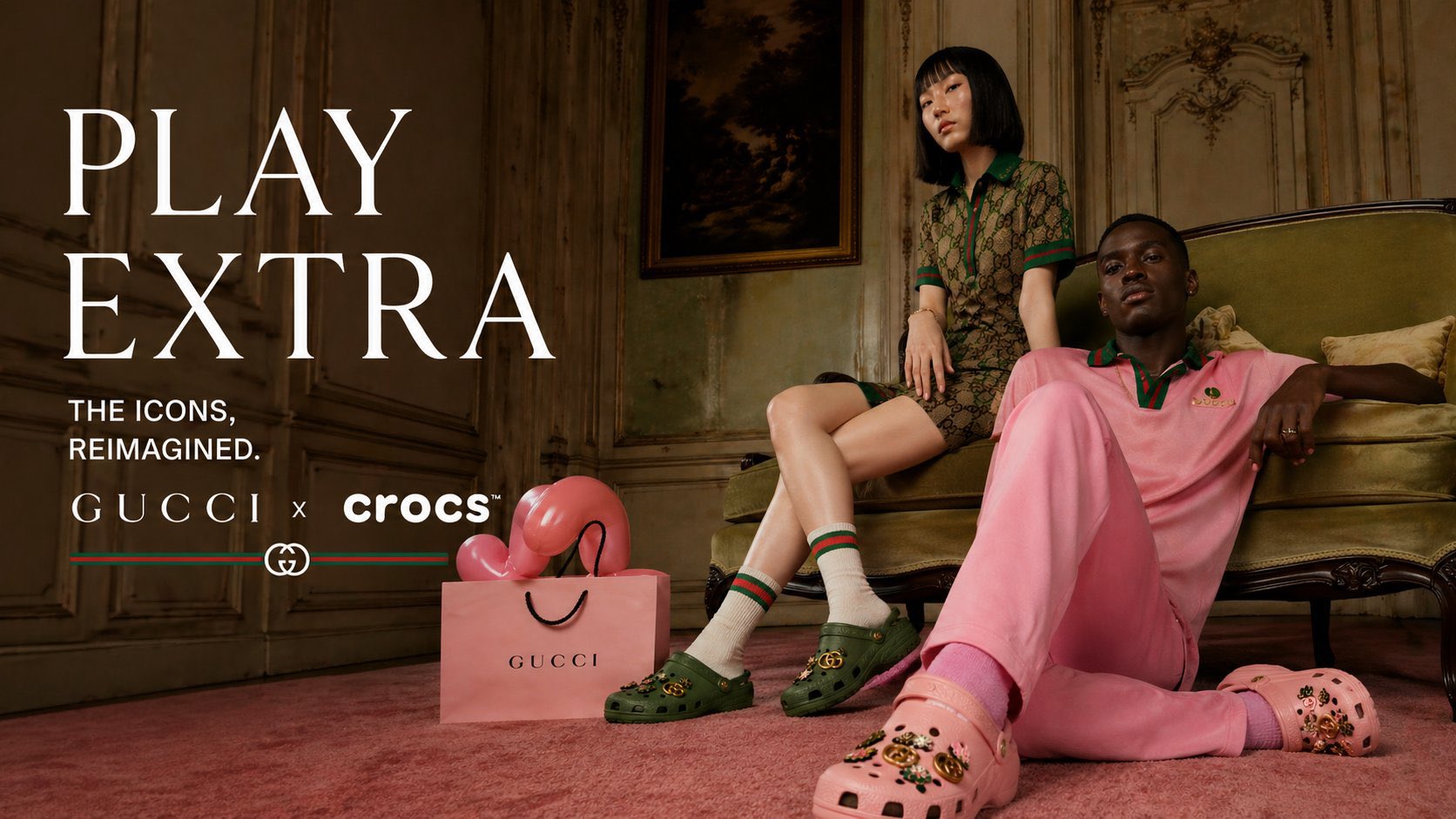
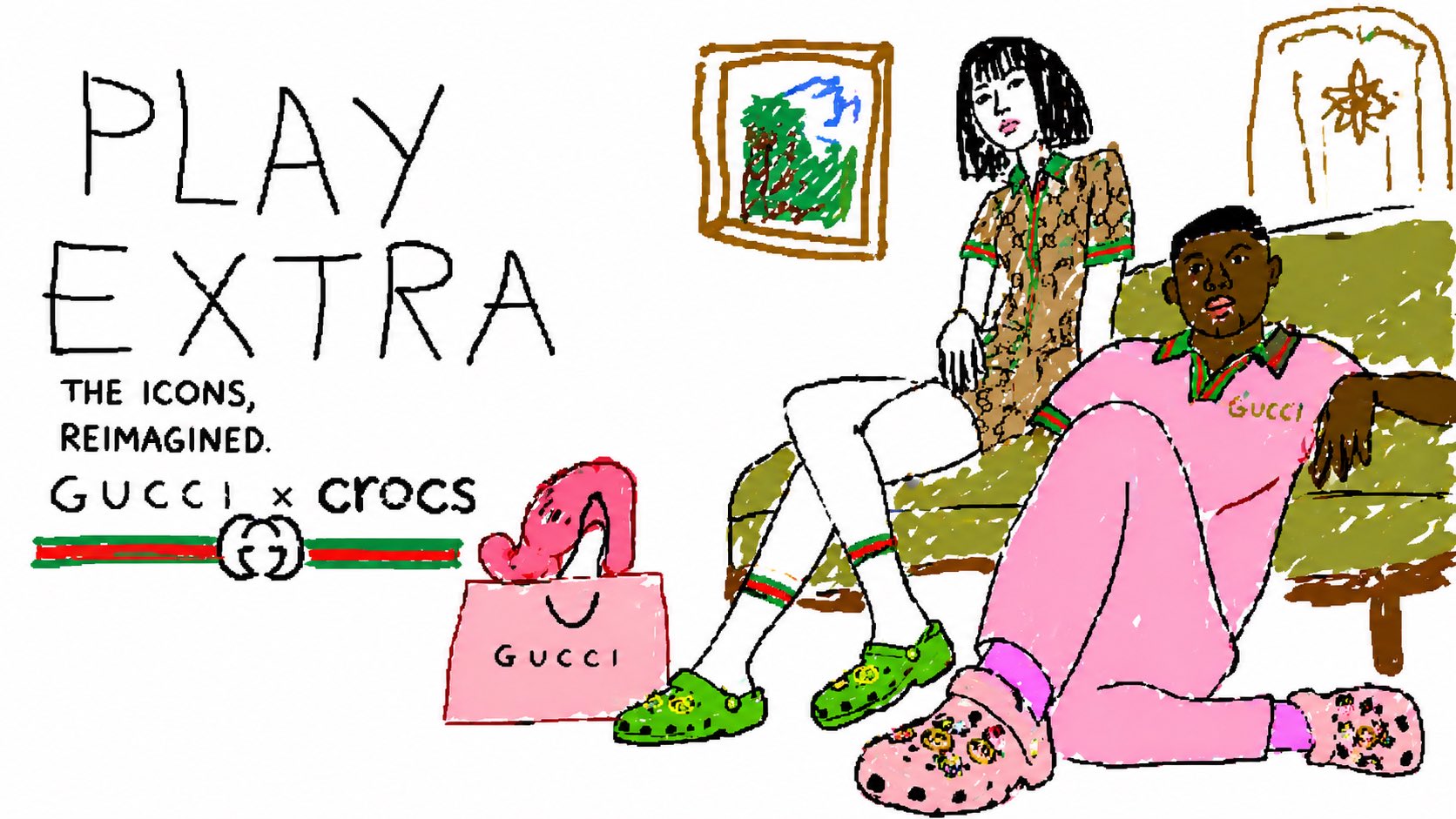
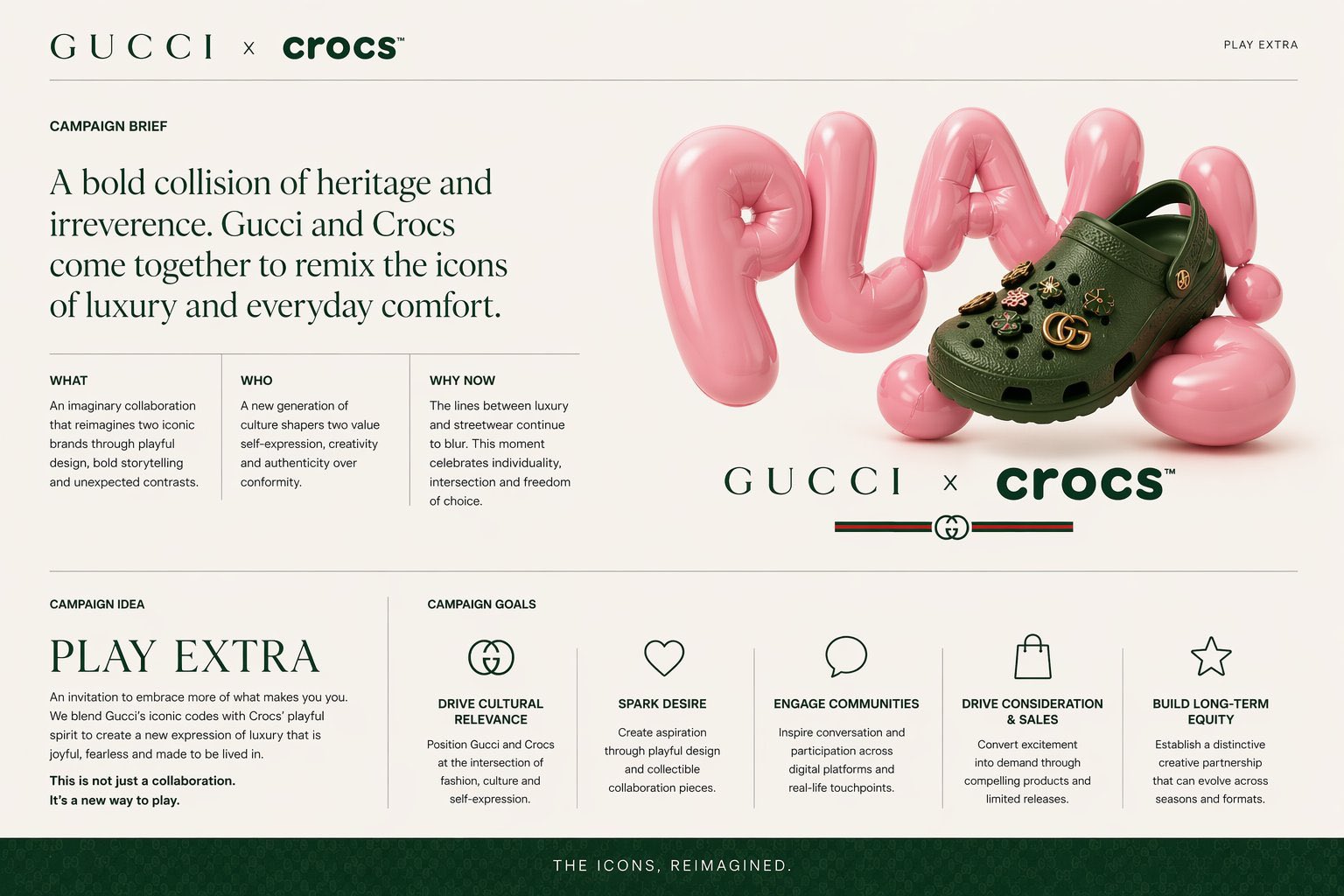
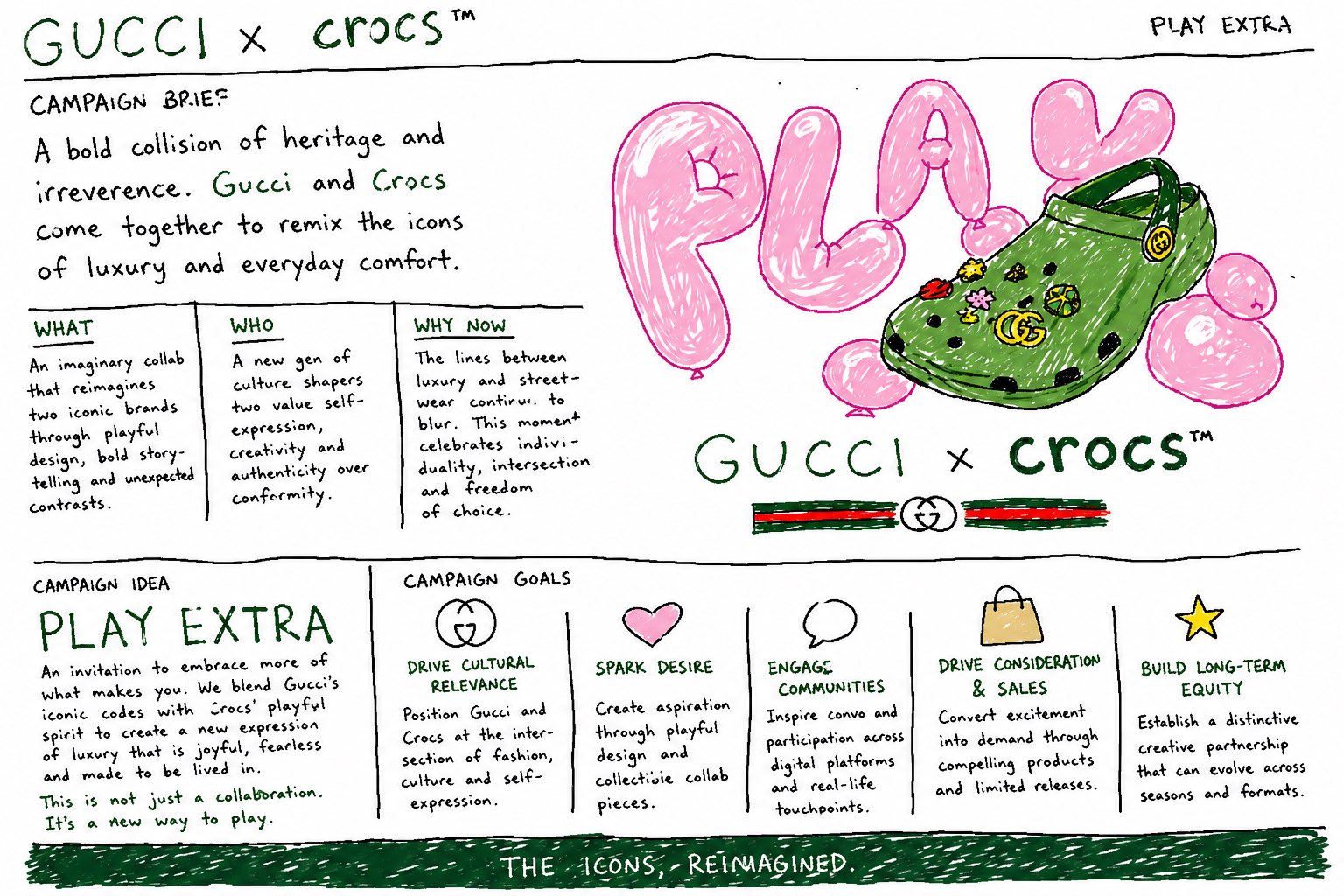
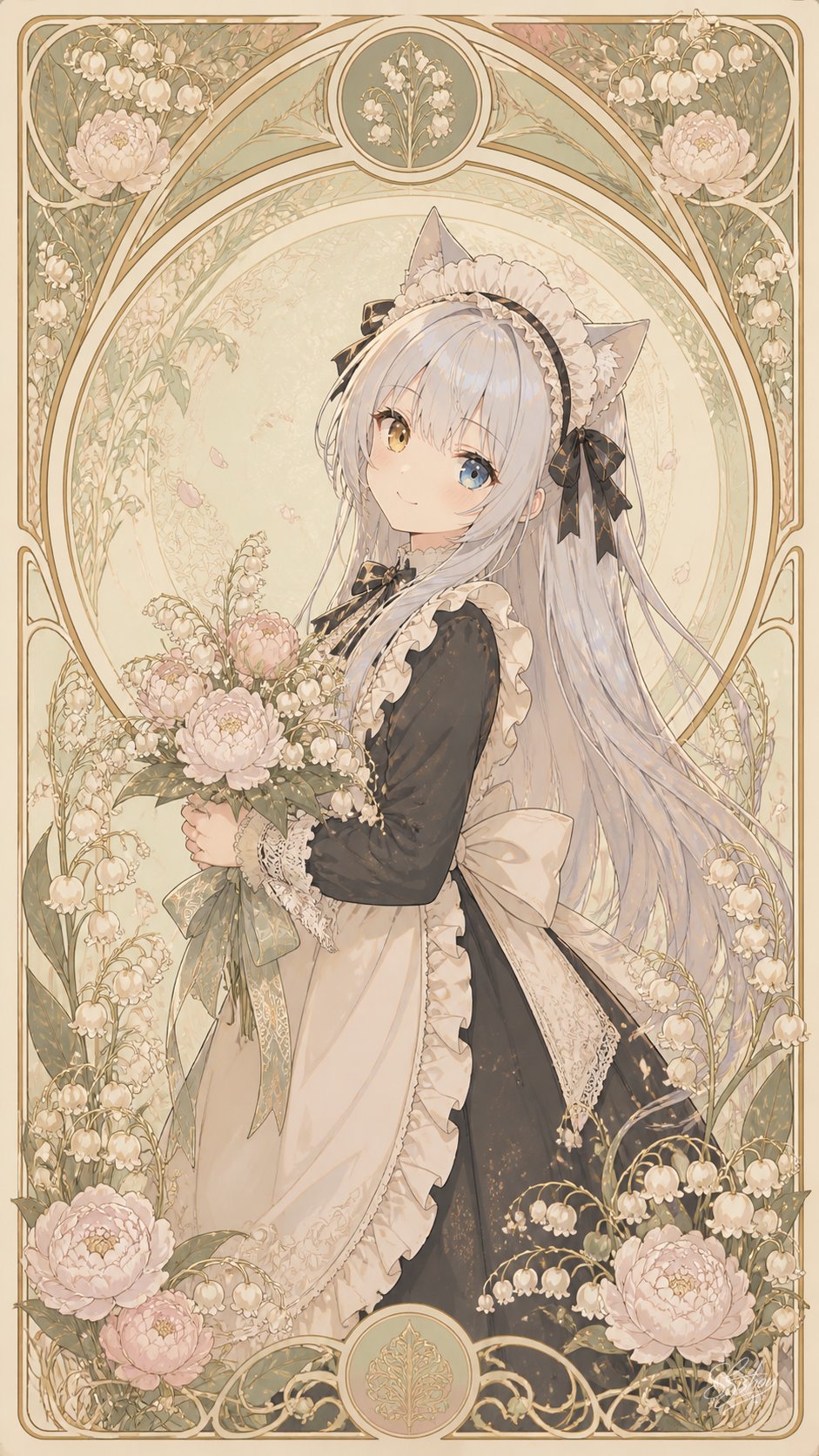
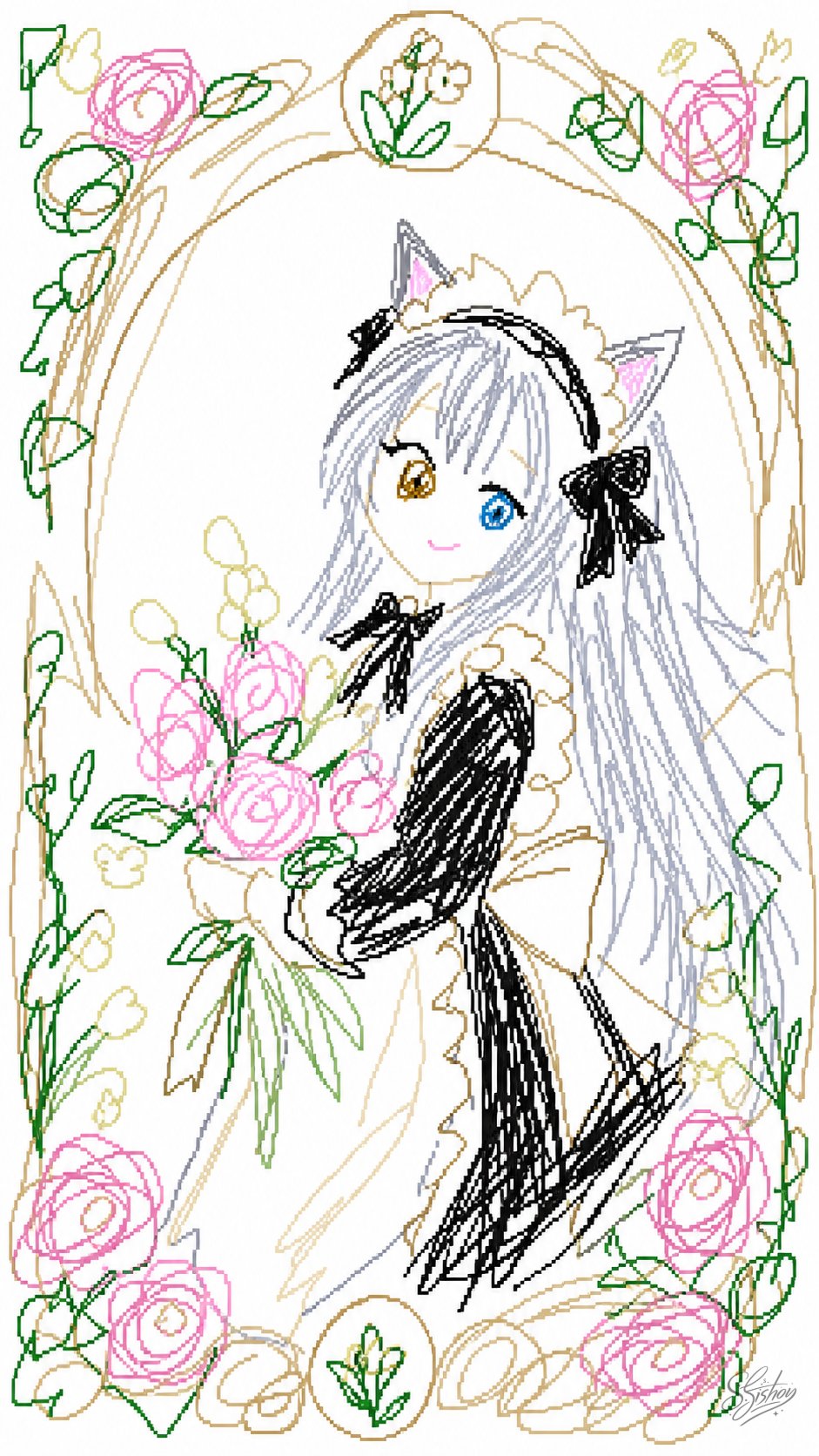

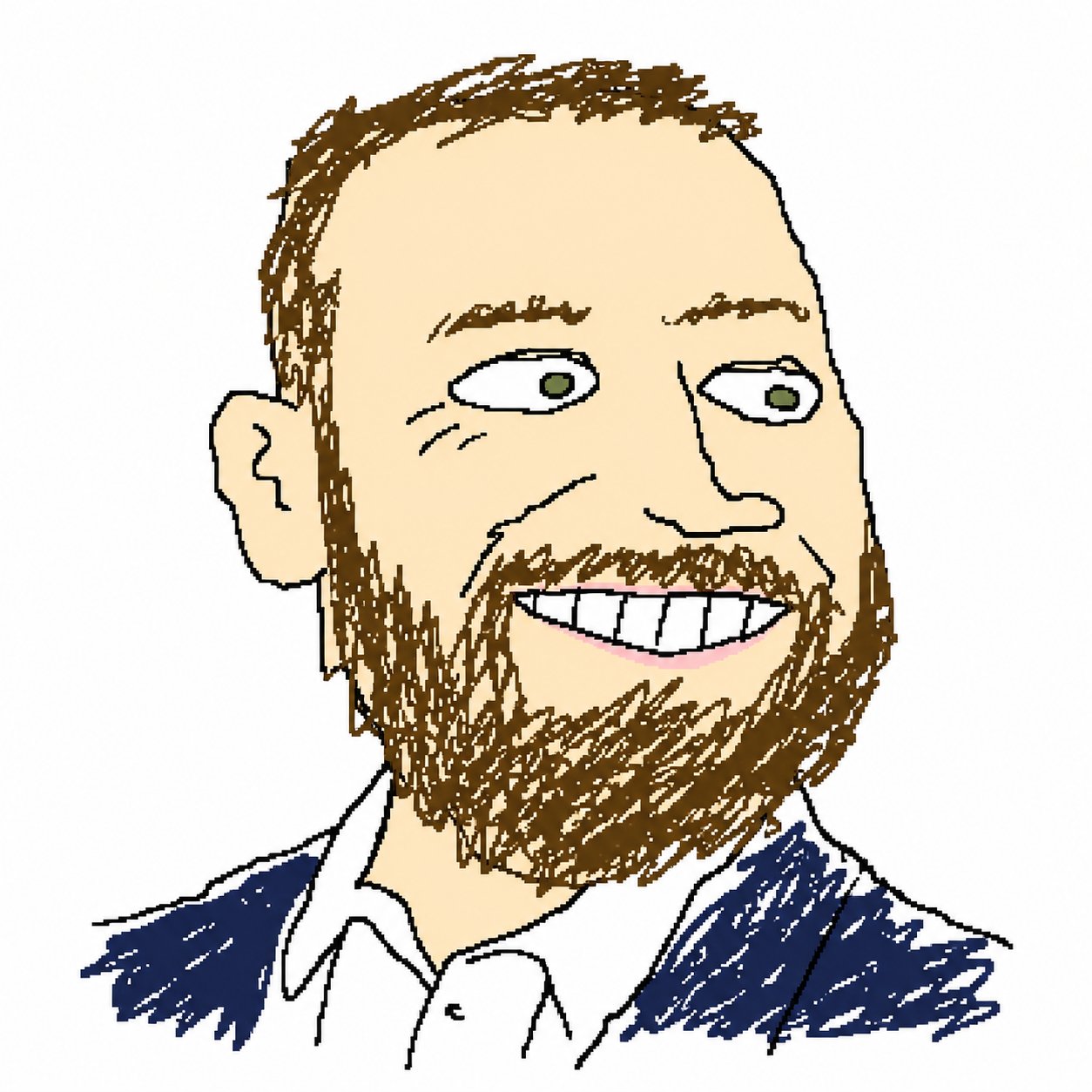
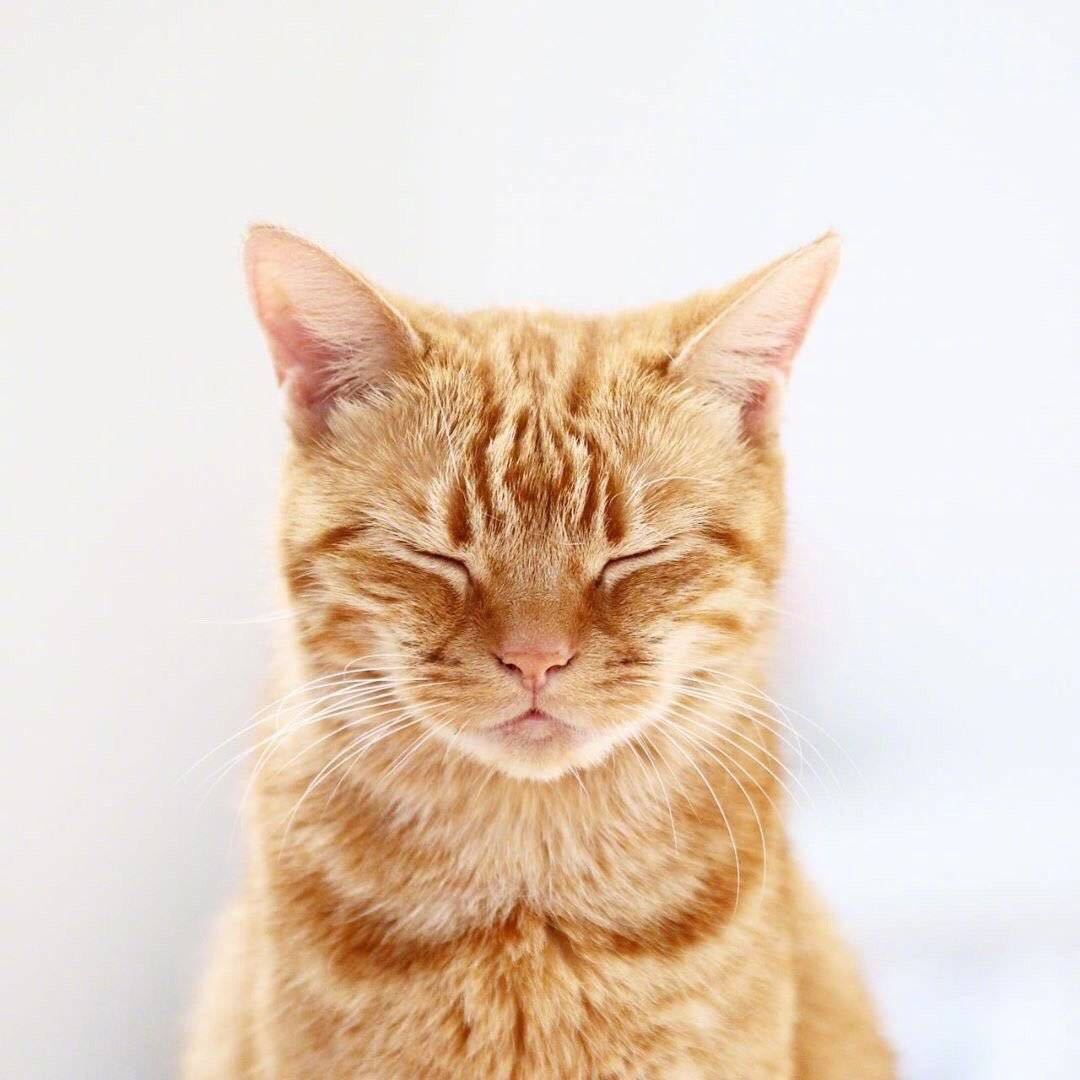
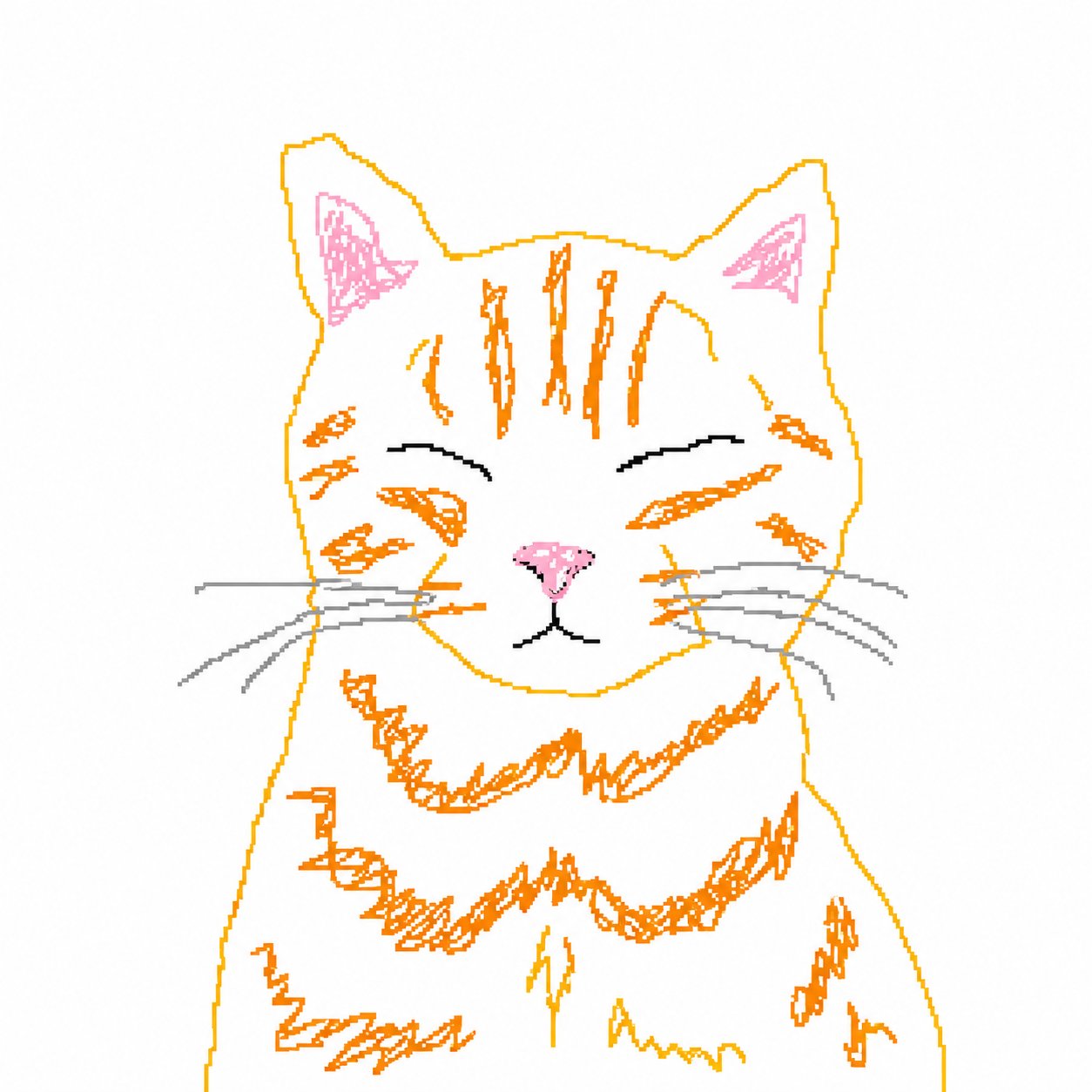
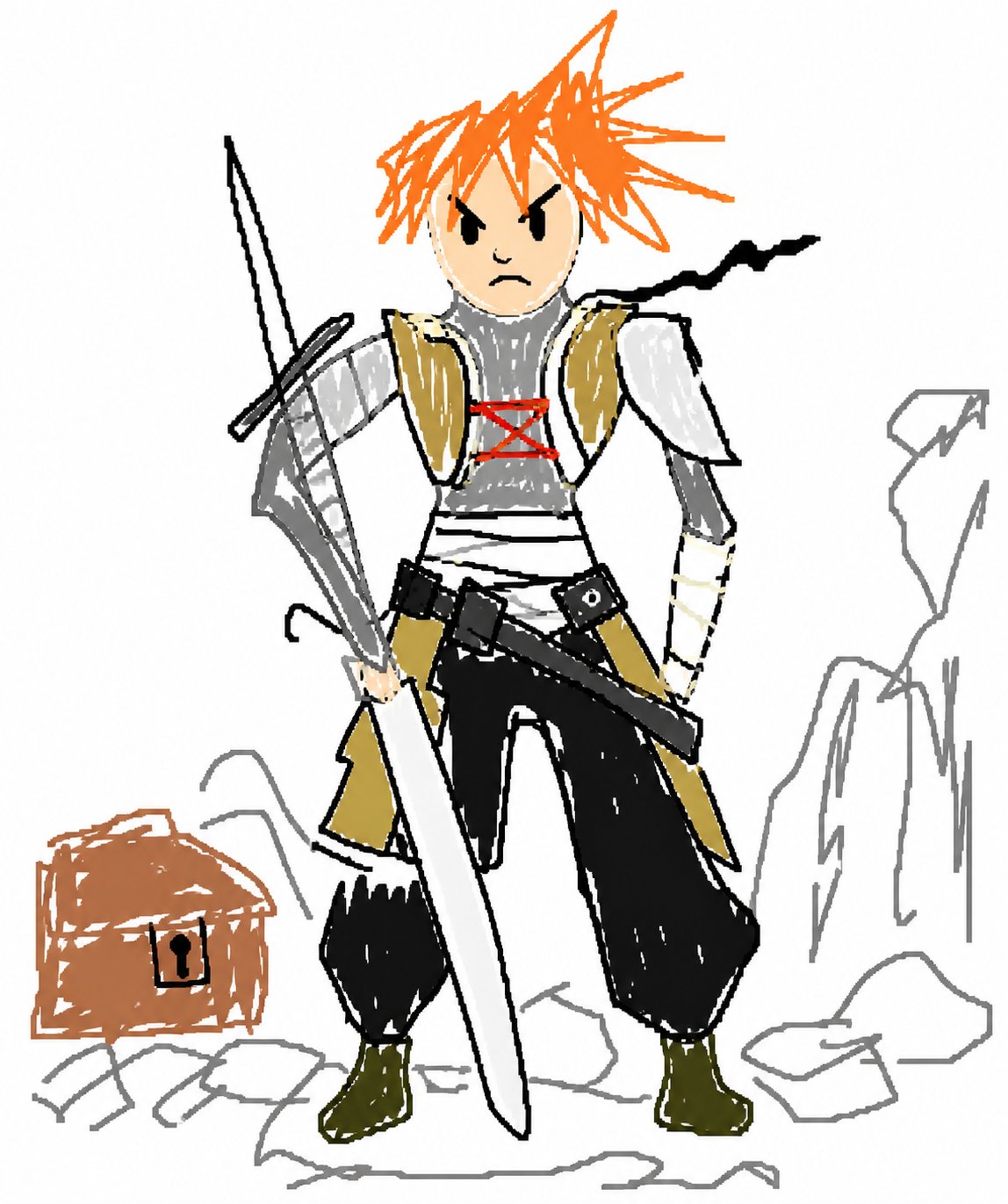
This page is tuned for the viral image-to-image workflow, so the main job is simply choosing the right source image.
Start with a profile photo, logo, pet picture, product image, or any reference you want to redraw.
The page opens with the viral MS Paint-style prompt in the input box, so you can keep it as-is or lightly edit it.
GPT Image 2 redraws the reference as a white-background, mouse-made, low-polish image that stays vaguely recognizable.
The trend is funny because it asks a powerful image model to produce something visibly bad on purpose. Instead of glossy AI polish, the result leans into roughness: white space, shaky contours, stray pixels, mismatched proportions, and a handmade desktop-paint mood. Around X, the same look is often framed as scribblification or MSPAINTIFY.
The X trend page described people turning profile pictures and brand marks into MS Paint-like scribbles. Gizmodo covered the same pattern as a GPT Image2 trend built around simple, squiggly-line recreations that stay recognizable, while social posts labeled the format with terms like scribblification and MSPAINTIFY.